App Store screenshots made by your agent
One line sets it up. Then ask your agent for your screenshots.
$ curl -fsS https://your-server/install.sh | APPSHOTS_TOKEN=<your token> sh -s claude
Completely free either way: sign in with Google to get your token and try it here in the Studio, or host it yourself.
Free, and by invitation for now: sign in with a Google address on the list to get your token, or host it yourself.
You are signed in as . Connect an agent in the Studio writes this line with your token in it.
No sign-in and no token needed on this server.
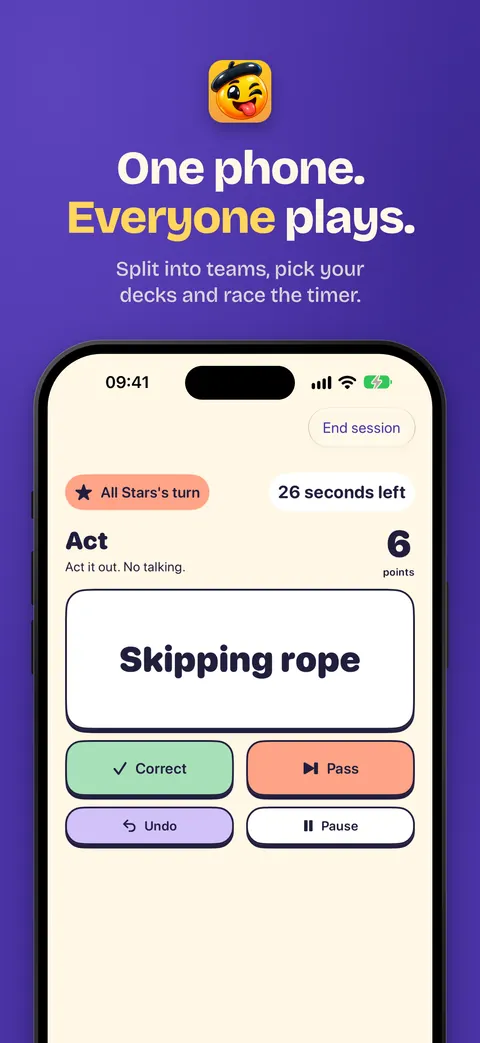
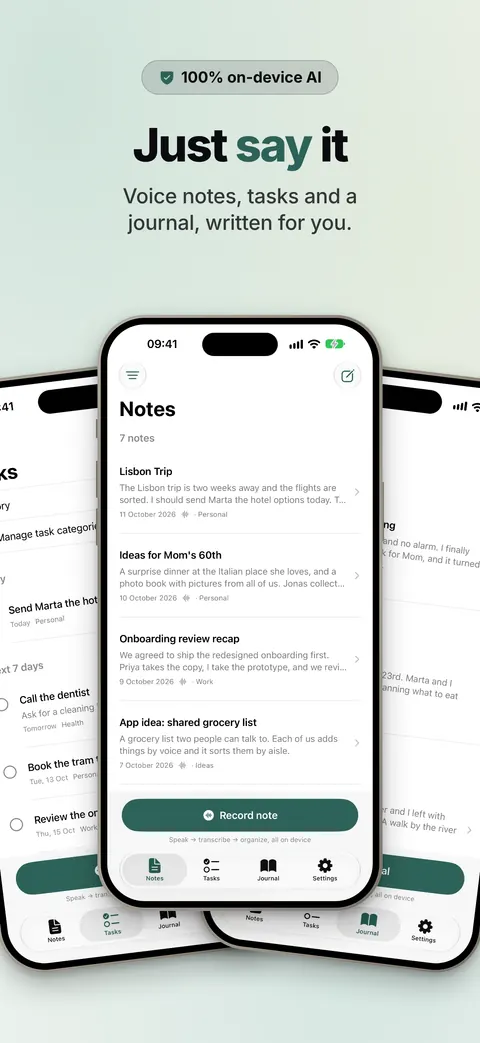
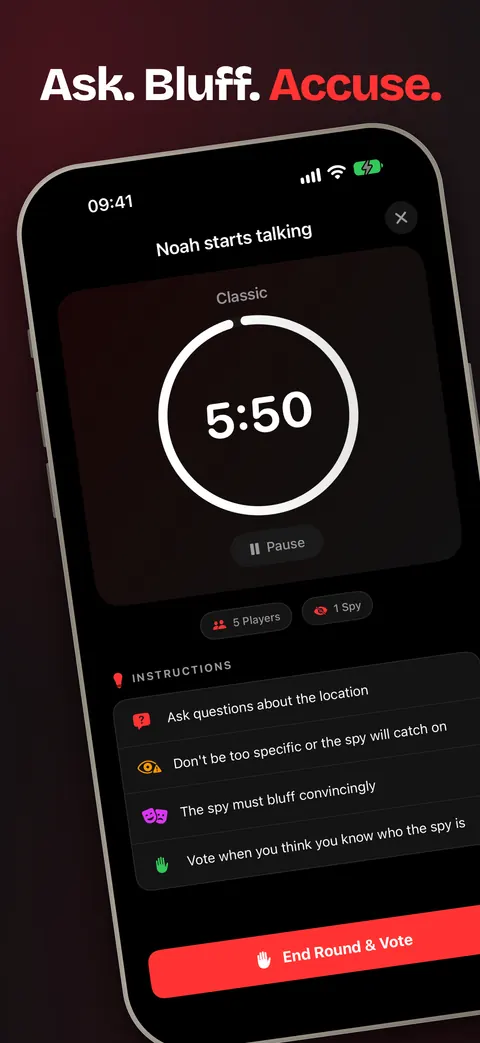
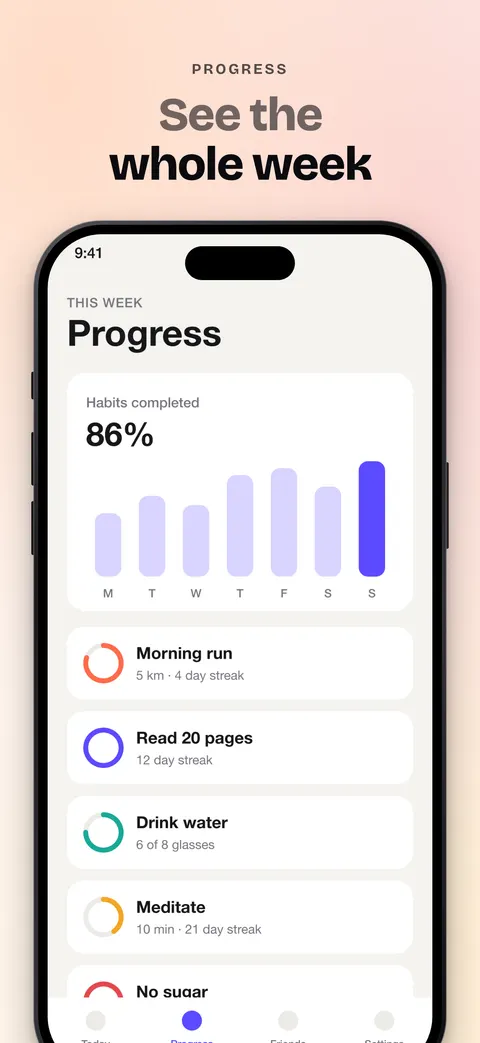
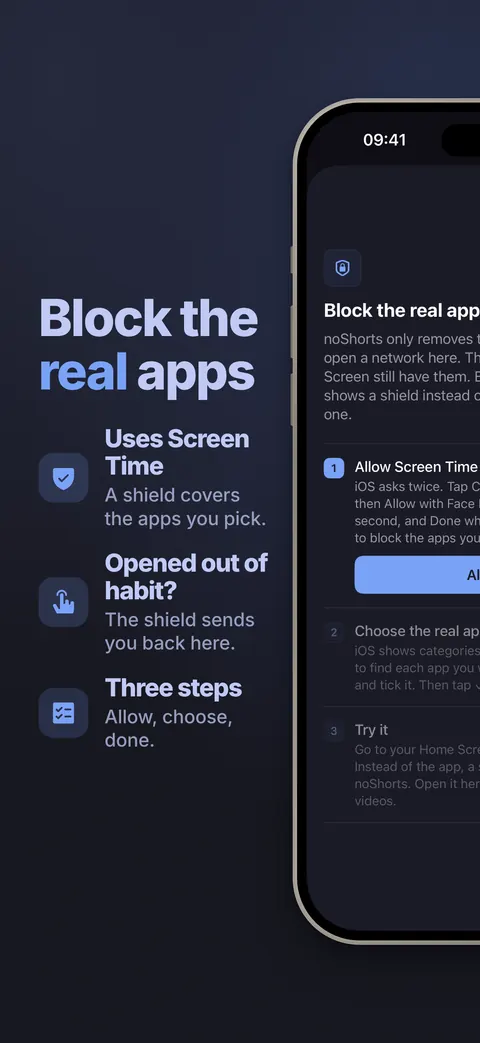
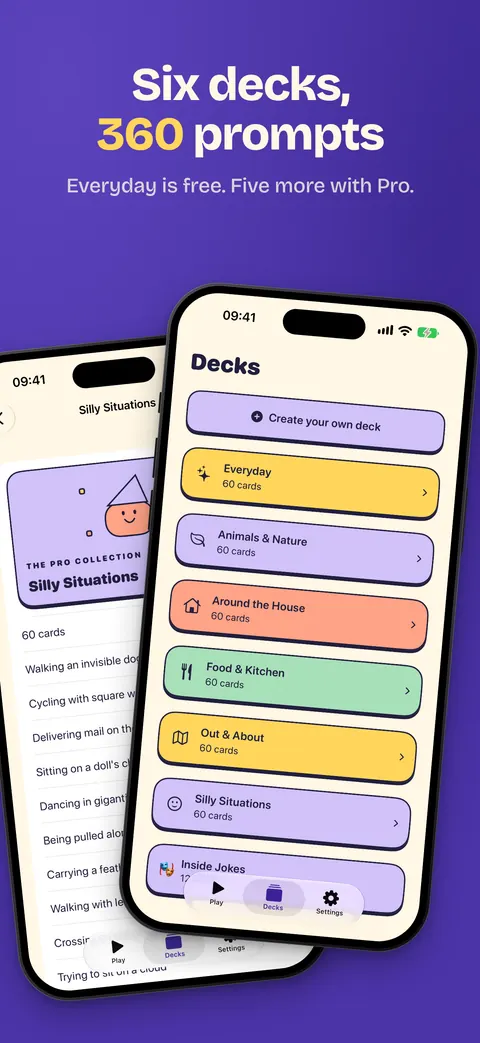
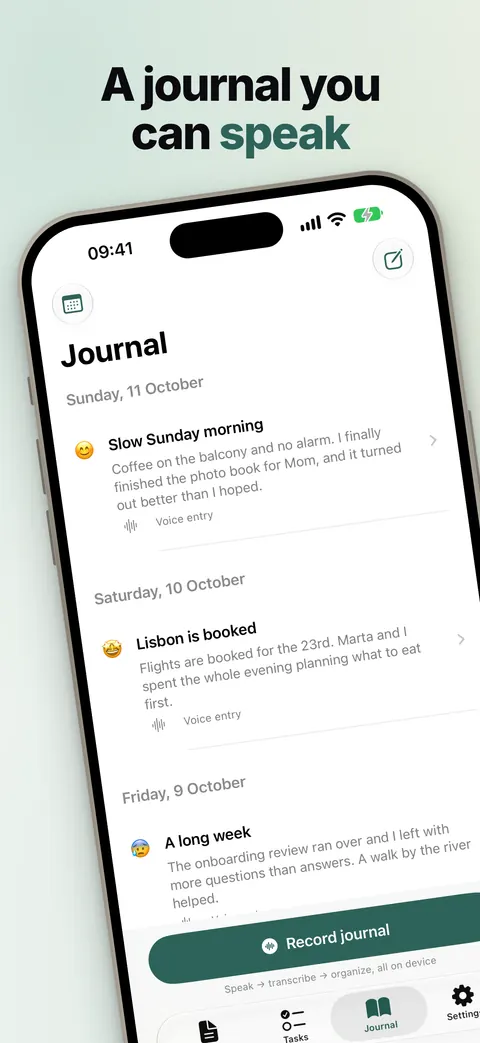
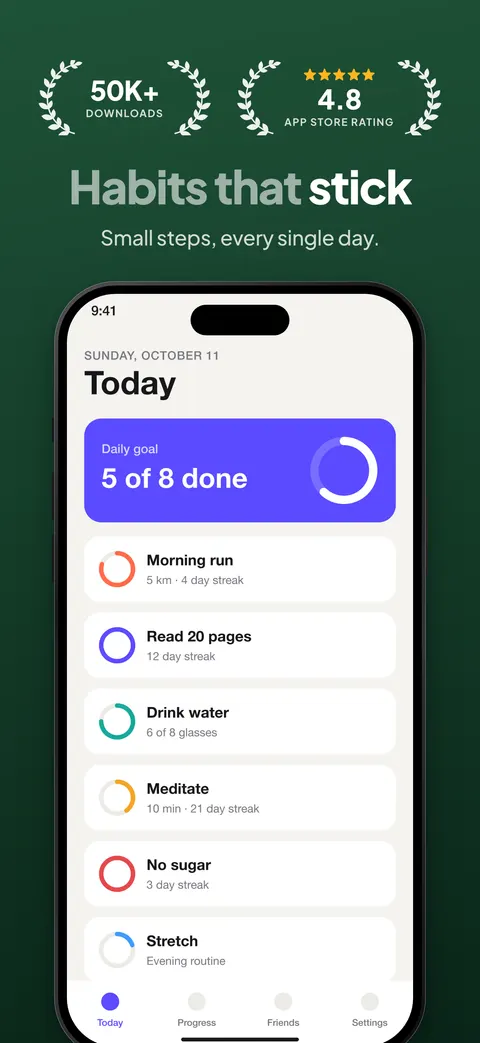
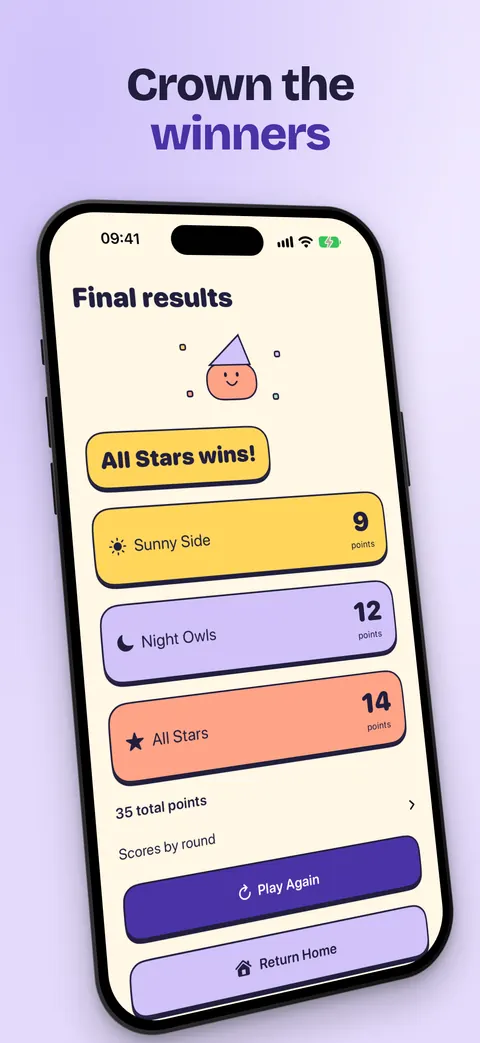
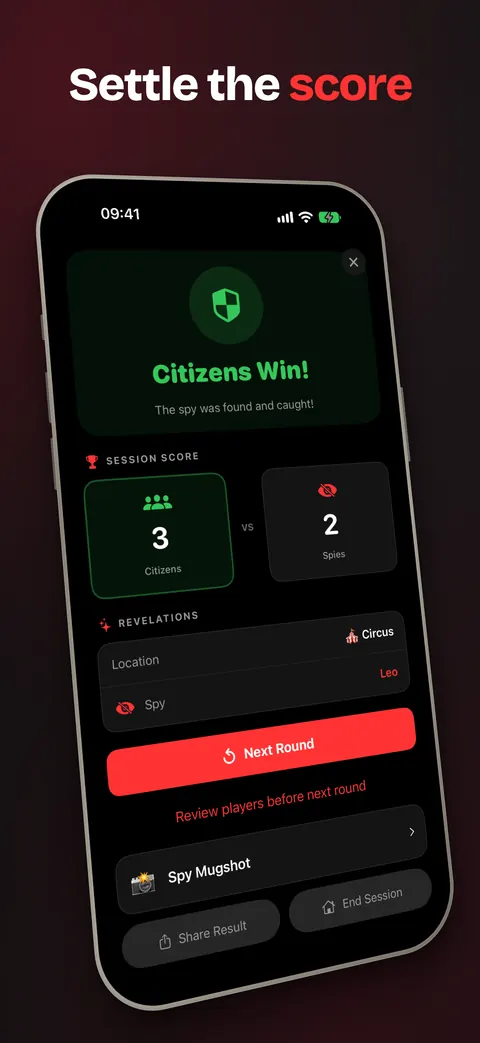
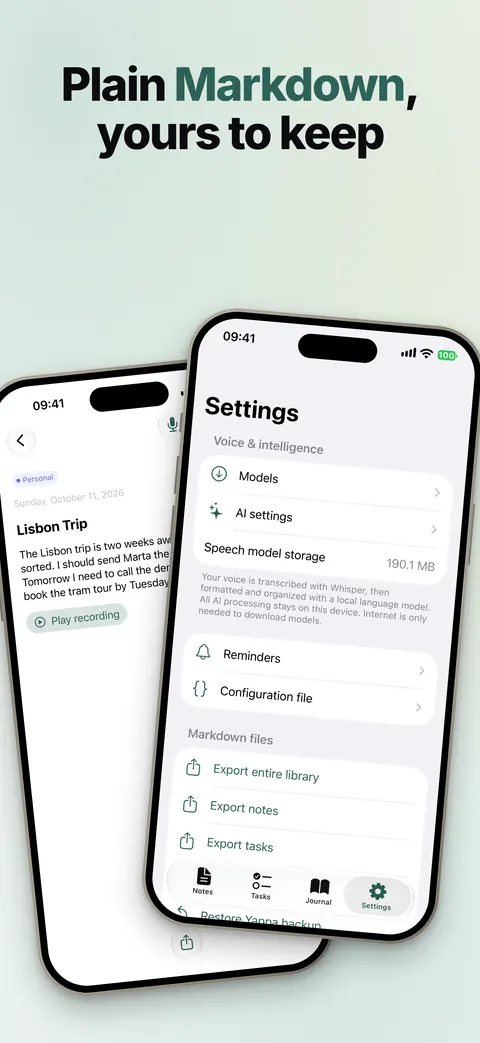
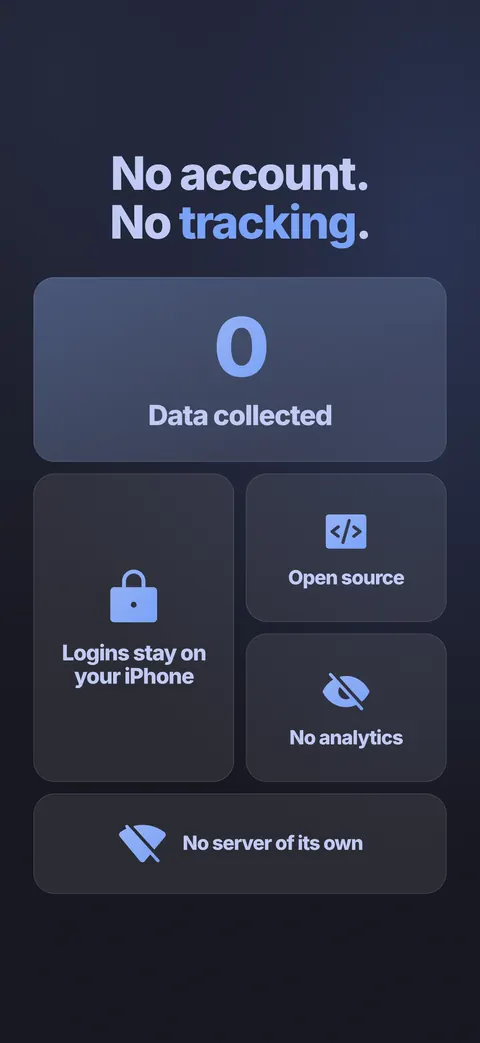
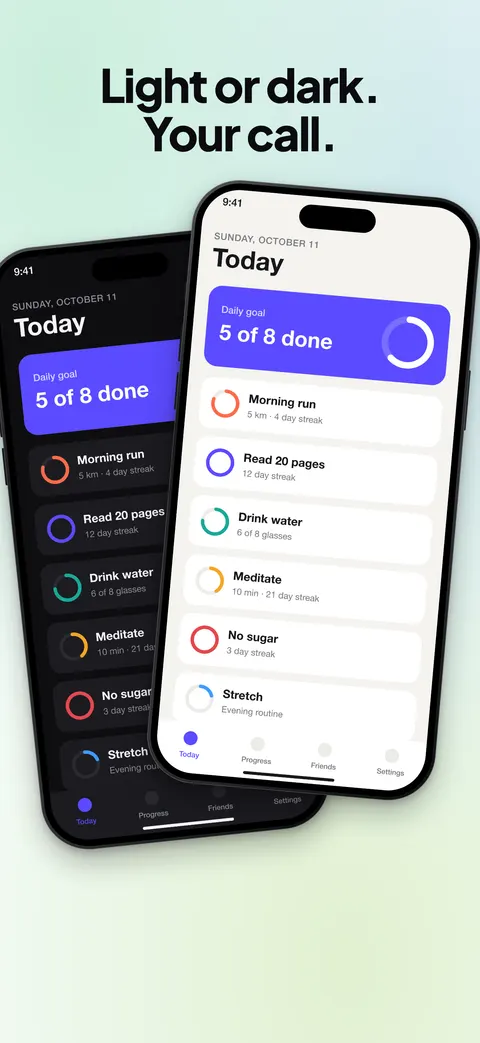
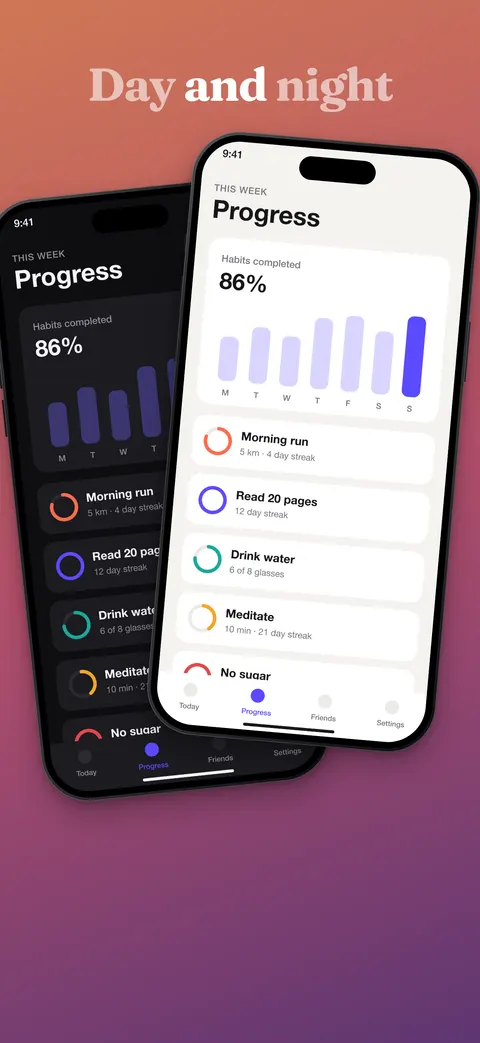
All of these were made with appShots.
For agents
Your agent can make the whole set
It runs your app, captures the screens, writes the copy and renders every size.
- MCP serverTen tools at
/mcp - Skill
appshots, start to finish - CLICaptures simulator, Mac or web app
Claude Code, Codex, OpenCode, Pi or any other. Set yours up in one line
Works with
One line sets up your agent
It installs the skill and the appshots command, and connects the agent to this server over MCP.
$ curl -fsS https://your-server/install.sh | APPSHOTS_TOKEN=<your token> sh -s claude
Then open Claude Code in your app's folder and type /appshots.
Then open Codex in your app's folder and type $appshots.
Then open OpenCode in your app's folder and ask it for your App Store screenshots.
Then open Pi in your app's folder and type /skill:appshots. Pi has no MCP, so the skill works through the appshots command.
Then tell your agent to read ~/.agents/skills/appshots/SKILL.md and follow it. If it has MCP, add the connection by hand.
Connect an agent in the Studio writes this line with your token in it. What the command installs
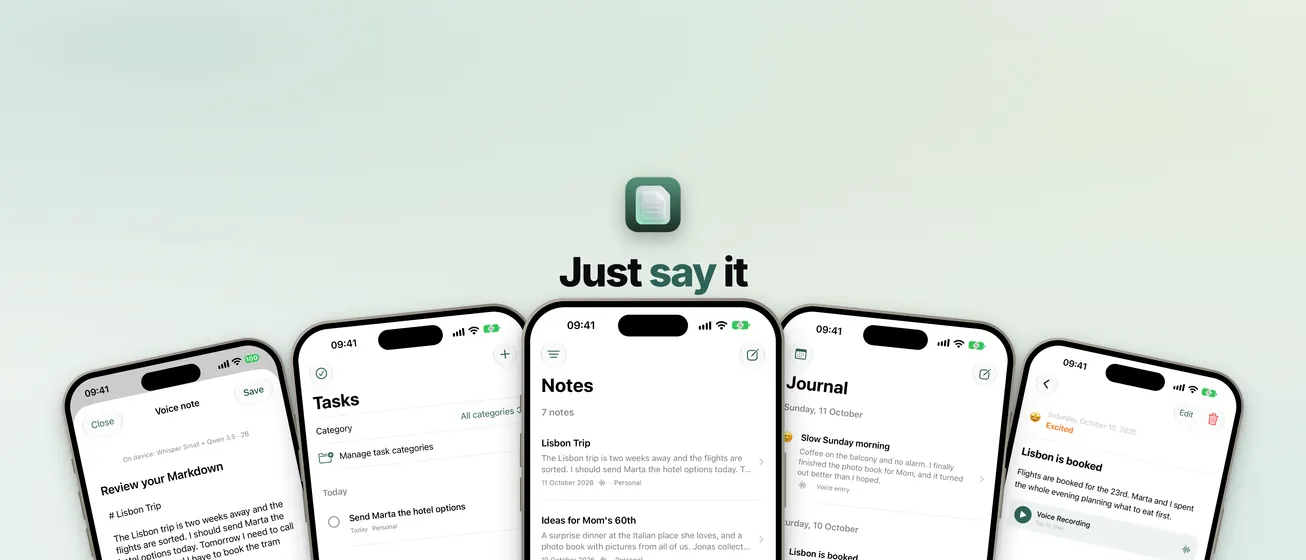
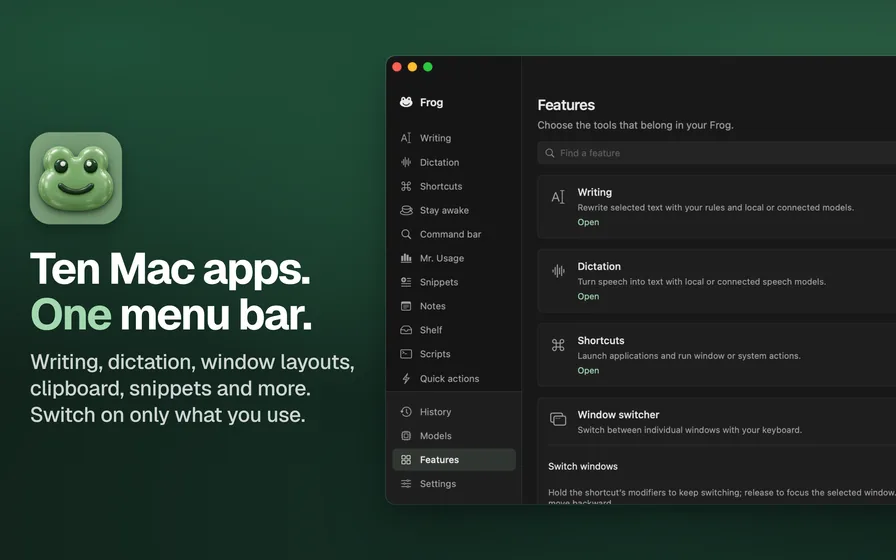
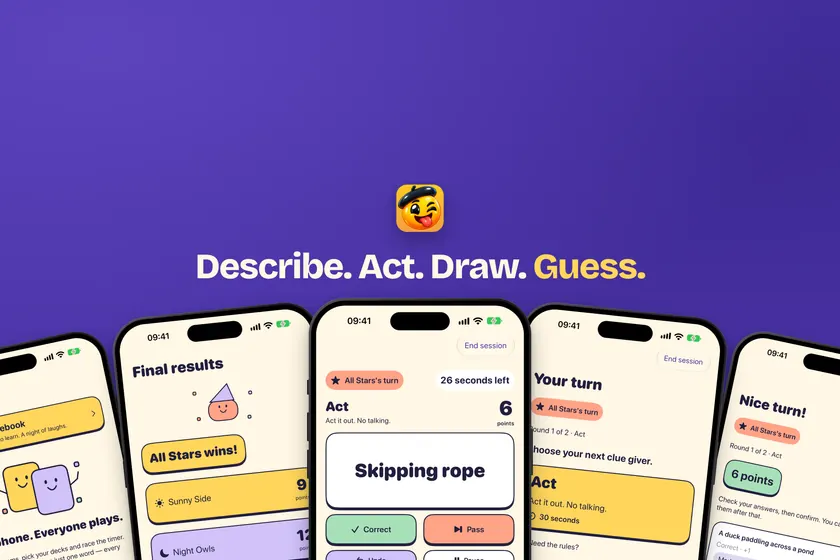
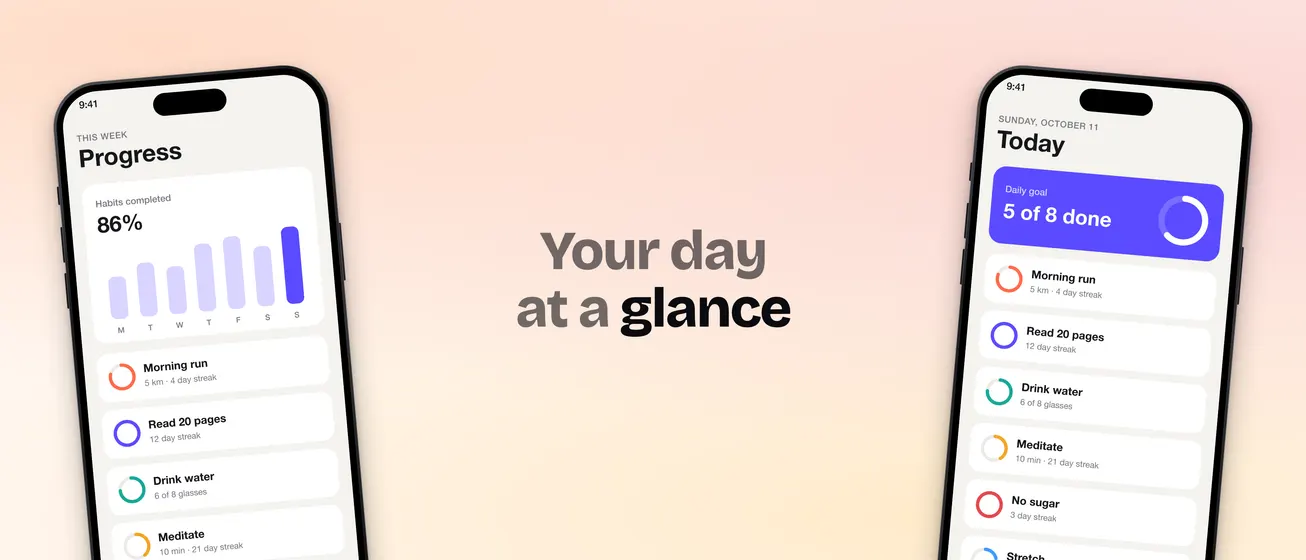
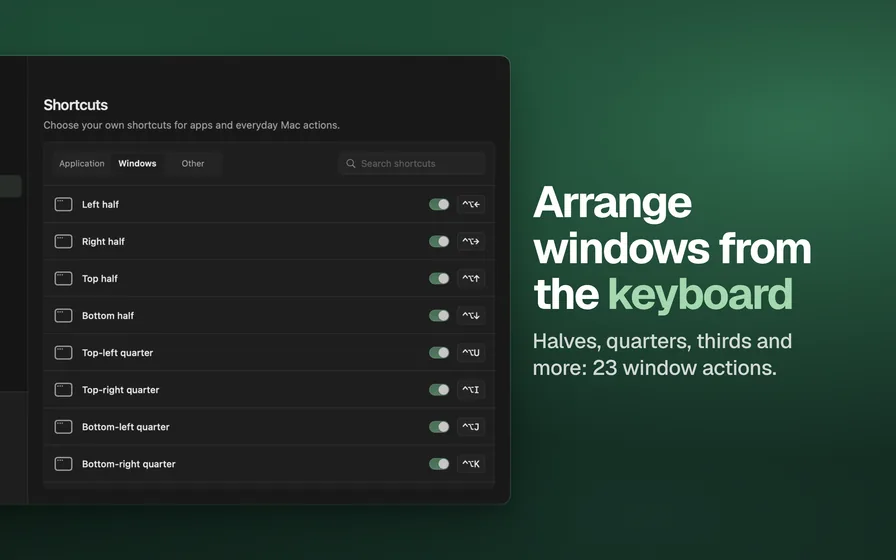
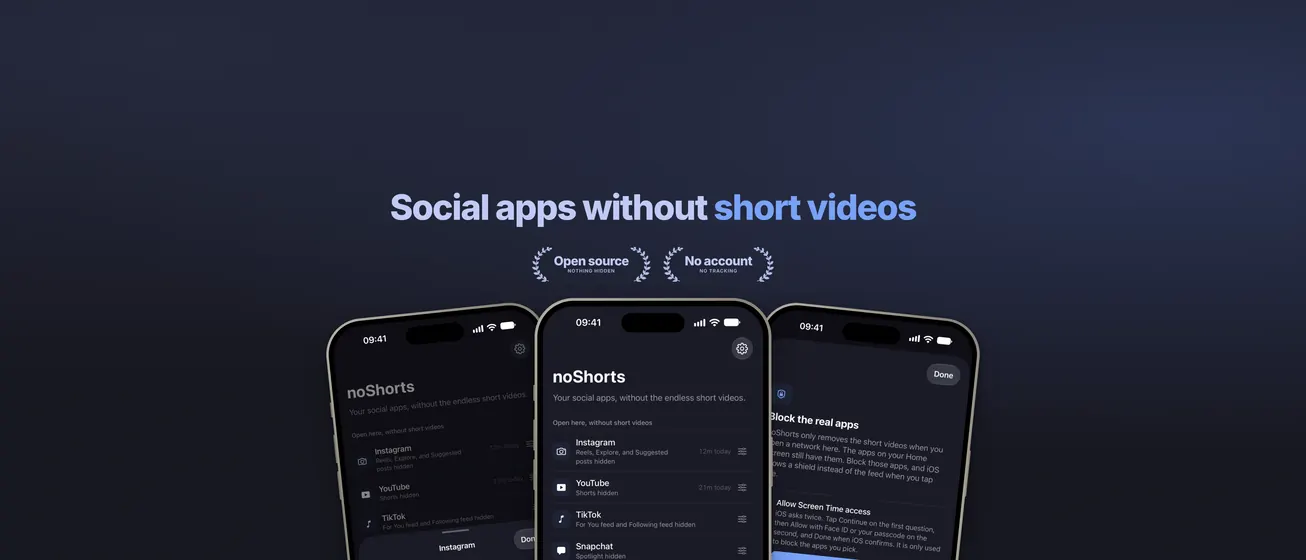
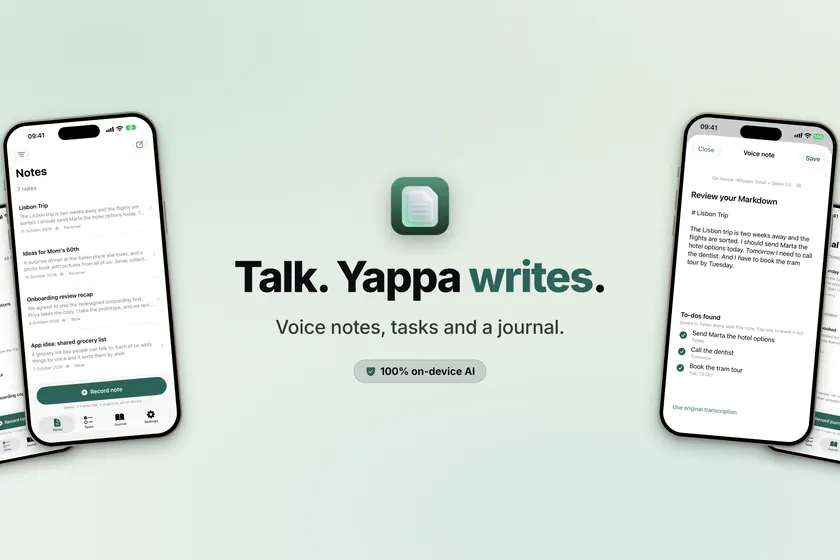
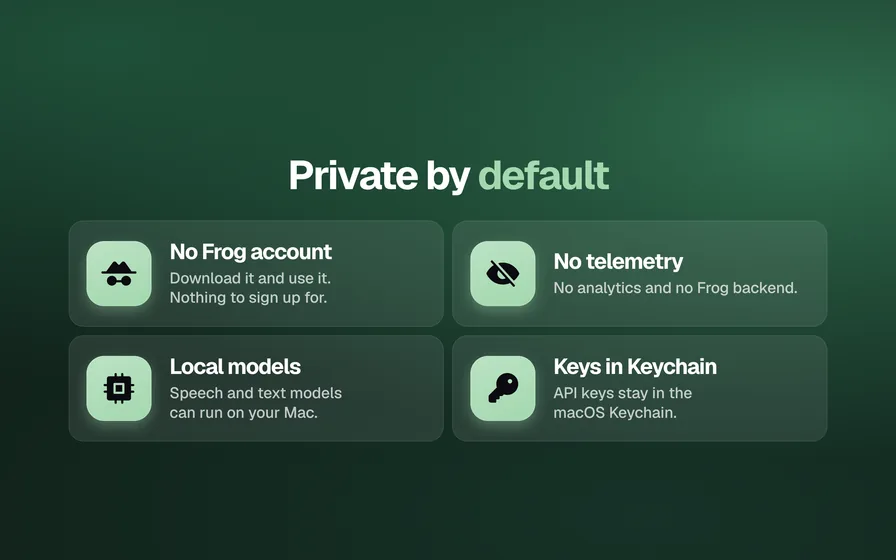
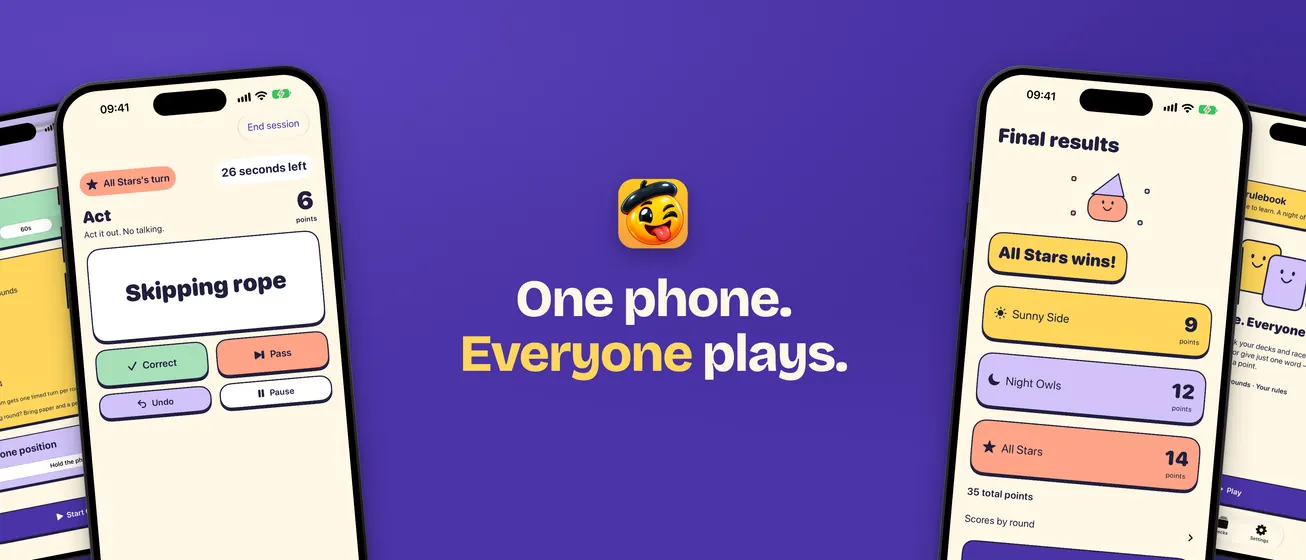
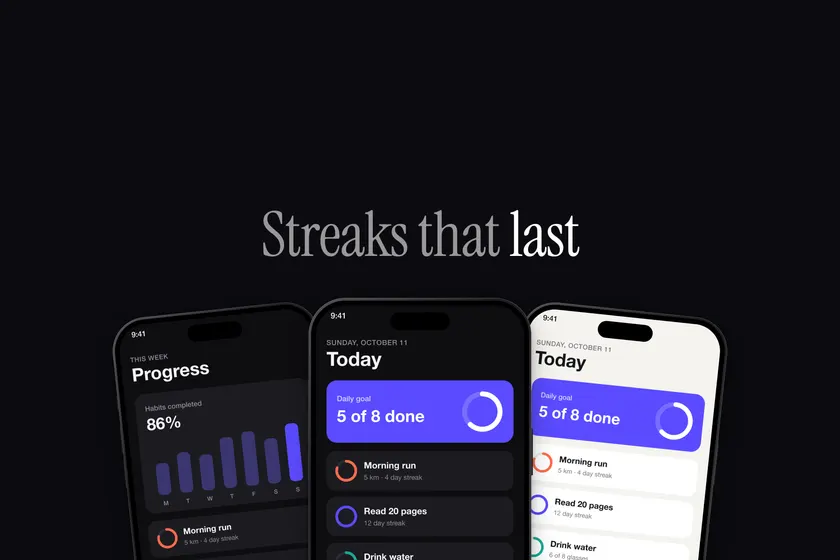
These too. All made with appShots, for six different apps.
- One design, every App Store size
- iPhone, iPhone Duo, iPad and Mac
- Xcode, Flutter, React Native, Tauri and web apps
- Header and search images
- Mockups and README banners
- Badges
- Any language
- Open source